


Apps
sumUp for Jira earns Atlassian Enterprise Certified badge
19
Oct
2026


Atlassian’s new usage model is not a minor accounting tweak—it is a direct warning that inefficient Automation designs can become an operational and financial liability. Atlassian has also announced its broader usage-based pricing model in its company announcement. Jira administrators and solution architects should treat this as a mandate to reconsider where automation logic is executed—not as an optional optimization.
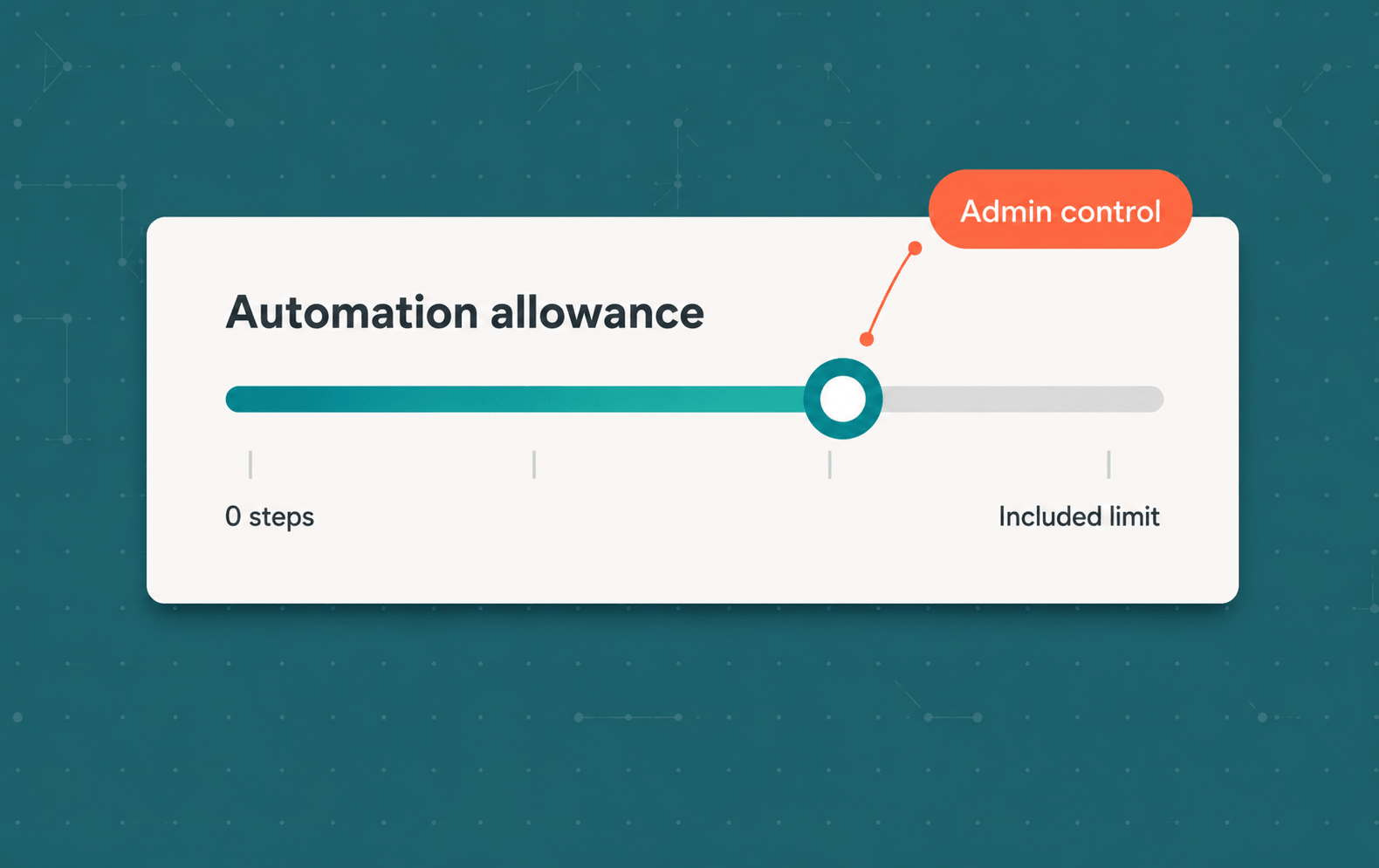
Extra usage billing takes effect on December 3, 2026 and after that date automation usage will be measured in individual steps. Every executed trigger, condition, action, branch, and loop consumes part of the organization’s pooled allowance.
This does not make Atlassian Automation a bad solution. It remains a powerful way to coordinate work across spaces, products, and the wider Atlassian platform. But designs created under the previous successful-flow-run model may behave very differently when measured per step.
One of the most convenient Automation patterns has been to create a broadly scoped flow that listens for an event and uses conditions to determine whether anything should happen.
Consider this simplified flow:
Perhaps the automation is only relevant to one space. Nevertheless, configuring it globally may have been easier than restricting the underlying process more precisely. Every relevant field-change event could enter the flow, while downstream conditions filtered out everything irrelevant.
Under successful-run accounting, executions that performed no action generally did not consume the allowance. This made broad listeners relatively inexpensive from a usage perspective.
That assumption no longer holds.
Under Atlassian’s step-based model, the trigger itself counts when it executes. If the flow evaluates a condition, that consumes another step. Atlassian explicitly includes NO_ACTIONS_PERFORMED and NO_MATCH among the statuses that consume allowance.
A site-wide flow can therefore consume steps for field changes occurring across many spaces, even though the intended business process exists in only one of them.
Strictly speaking, these events first consume the organization’s included allowance. They become a direct financial cost when that allowance is exceeded and extra usage remains enabled. If extra usage is disabled, reaching the limit creates a different risk: the affected flows stop until usage resets.
Updating a field based on other Jira information is a common variation of the same pattern.
For example, a calculated business value might depend on:
Historically, this was often implemented as an Automation flow:
This approach is intuitive and flexible. It can also be much broader than the actual business requirement.
Every source-field change that invokes the trigger consumes allowance. The flow may then evaluate multiple conditions before determining that no update is required. When several source fields can affect the result, multiple listeners or a broadly configured trigger may be necessary. Updating the destination field can also invoke other event-driven flows, creating further evaluations.
The important architectural question is whether the destination field represents independently managed business data or a value derived from existing information.
If the value is derived, storing and repeatedly updating it through an Automation flow may not be necessary.
A simple derived value can require a trigger, conditions, calculations, and a write-back action every time its source data changes. But there is another option: Advanced Formula Fields provides calculated text and number fields whose values are derived from Jira data without consuming allowance.
Instead of listening for field changes and writing a result into a destination field, a formula defines the relationship between the inputs and the displayed value. Advanced Formula Fields can calculate values, aggregate information from related work items, and make the results available on work items, dashboards, and in JQL.
Typical examples include:
This removes the need for a separate field-change Automation flow in suitable cases. There is no broadly scoped listener that must evaluate every incoming event and no Automation action that repeatedly writes the calculated result.
Calculated fields are best when you need the current state of a dynamic value—for example, the sum of expenses tracked in subtasks—because they recalculate from the underlying Jira data. They are less suitable when you need to persistently record a one-time event, such as who approved a request, because that value should not be overwritten by later changes. In those cases, a workflow post function or Automation rule may be more appropriate, particularly when the value must be written at a specific transition or event.
The distinction is important:
Before Atlassian Automation became the default choice for many Jira use cases, workflow post functions were a standard way to eliminate manual tasks and automate processes.
The architectural principle was straightforward: when a work item reaches a defined point in its lifecycle, execute the required process as part of that transition.
This approach is still highly relevant.
A post function does not need to listen to every field change across a site and then determine whether it cares. It runs when the configured workflow transition occurs—the precise point at which its business logic is required.
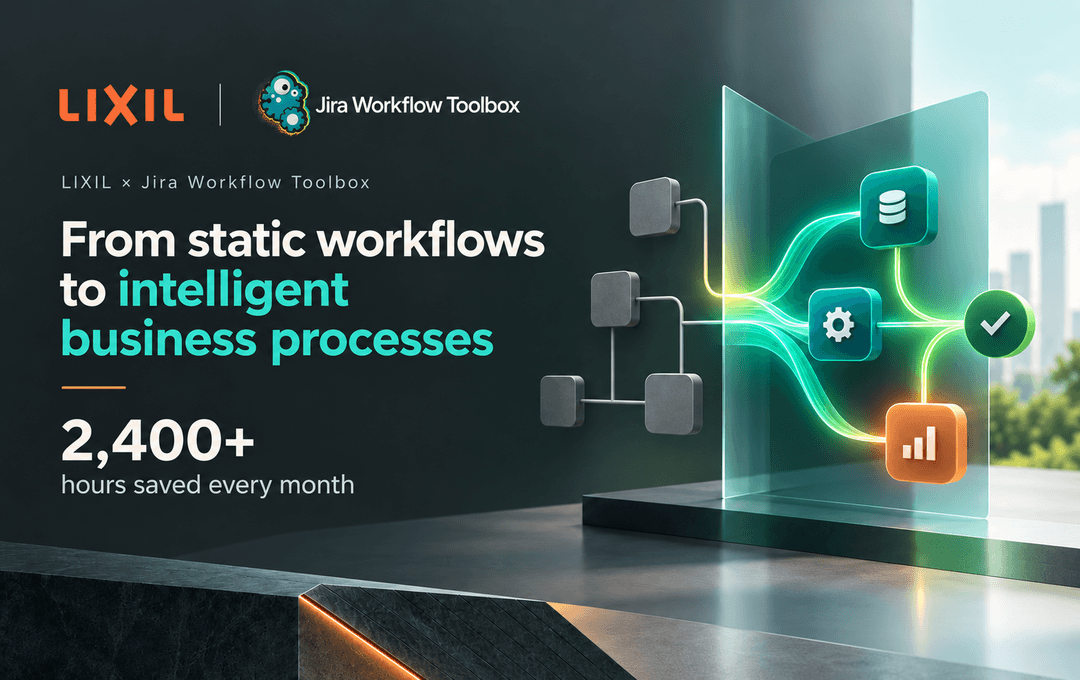
Jira Workflow Toolbox extends this model with powerful, low-code post functions capable of implementing complex automation. Depending on the process, JWT can create related work items, transition work, perform calculations, add comments, send notifications, call external services, or execute ordered sequences of conditional actions.
JWT post functions are not components of Atlassian Automation flows. Their executions therefore do not consume Atlassian Automation step allowances, and JWT includes unlimited execution of post functions.
This is particularly relevant when:
The important question is not simply, “How many Automation flows do we have?”
A more useful technical review asks:
A flow that executes 10,000 times and produces 50 relevant outcomes deserves closer attention than one that performs useful work on nearly every invocation.
Global scope remains appropriate when a process genuinely crosses spaces, teams, or Atlassian products. The goal is not to eliminate global automation. It is to avoid consuming allowance—and adding operational complexity—for reach the process does not require.
A practical classification for each existing flow is:
Atlassian Automation, Jira Workflow Toolbox, and Advanced Formula Fields solve different architectural problems. The objective is not to declare one approach universally better. It is to execute each process where it is most precise, maintainable, and economical.
In an agentic-first world, the amount of automation will continue to grow. Atlassian is enabling increasingly powerful Automation, Rovo, and AI capabilities, and these features deliver real value. They also consume platform resources and increasingly come with measurable usage.
That makes architectural intent more important - not automation less valuable.
Before extra usage billing begins, review broadly scoped field-change listeners, global flows, flows that frequently stop after evaluating conditions, and flows whose primary purpose is keeping a derived field synchronized.
Where global orchestration is genuinely required, Atlassian Automation remains a strong fit. Where business-critical actions belong to a specific workflow transition, explore what JWT post functions can execute precisely and without Automation allowances. Where a value is derived from other information, consider whether Advanced Formula Fields can remove the event-driven flow altogether.
The focus should remain on what matters: reducing manual work while choosing the right technical mechanism for each process.
Das Komplettpaket an Tools für Jira Cloud, um Prozesse mühelos zu automatisieren - von einfachen Anforderungen bis hin zu hochkomplexen Geschäftsabläufen.
Verwandelt Ticket-Daten in verwertbare Erkenntnisse durch den direkten Zugriff auf benötigte Informationen über benutzerdefinierte, vollständig anpassbare Live-Felder.
Wir sind immer auf der Suche nach talentierten Menschen, die Lust auf digitale Herausforderungen haben.
Deine Stelle ist nicht dabei? Meld dich trotzdem, wenn du denkst, dass du den Unterschied machen kannst!





.avif)









.avif)
.avif)


.avif)






.avif)





.jpeg)
![Last Log for Jira – Troubleshooting easier than ever [incl. Video]](https://cdn.prod.website-files.com/6400aa62efc52f275fa918d4/65aa7d8167dd440c0529c08e_Last%20Log%20for%20Jira_The%20key%20to%20troubleshooting%20in%20Jira.gif)









.jpg)











.avif)